> ## Documentation Index
> Fetch the complete documentation index at: https://docs.onsleek.ai/llms.txt
> Use this file to discover all available pages before exploring further.
# Coupon auto-apply
> Integrate coupon auto-apply features into your custom solution.
Learn about the coupon auto-apply feature set that Sleek offers for custom
solutions.
## Coupon page integration
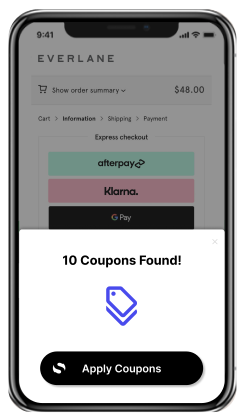
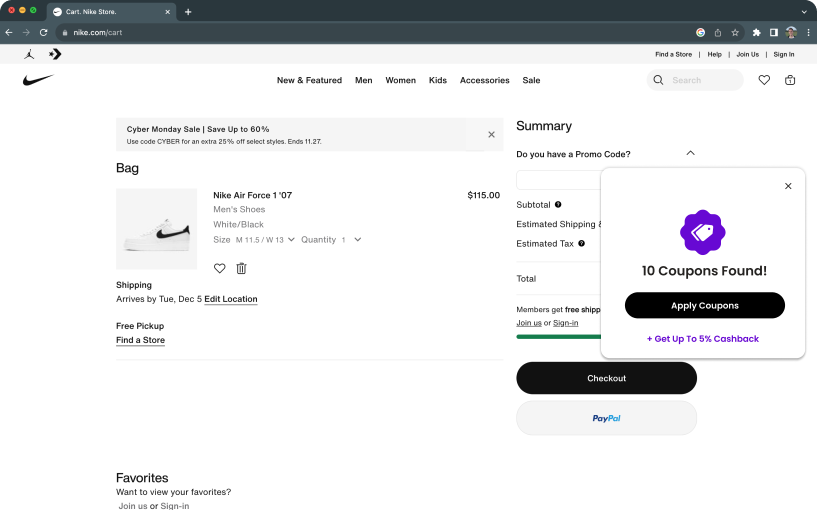
Sleek will detect when the user is on a page where coupon can be applied. Then,
Sleek will provide custom white-label UI to allow the user to apply the coupon
directly on the page.
 ## Coupon auto-apply
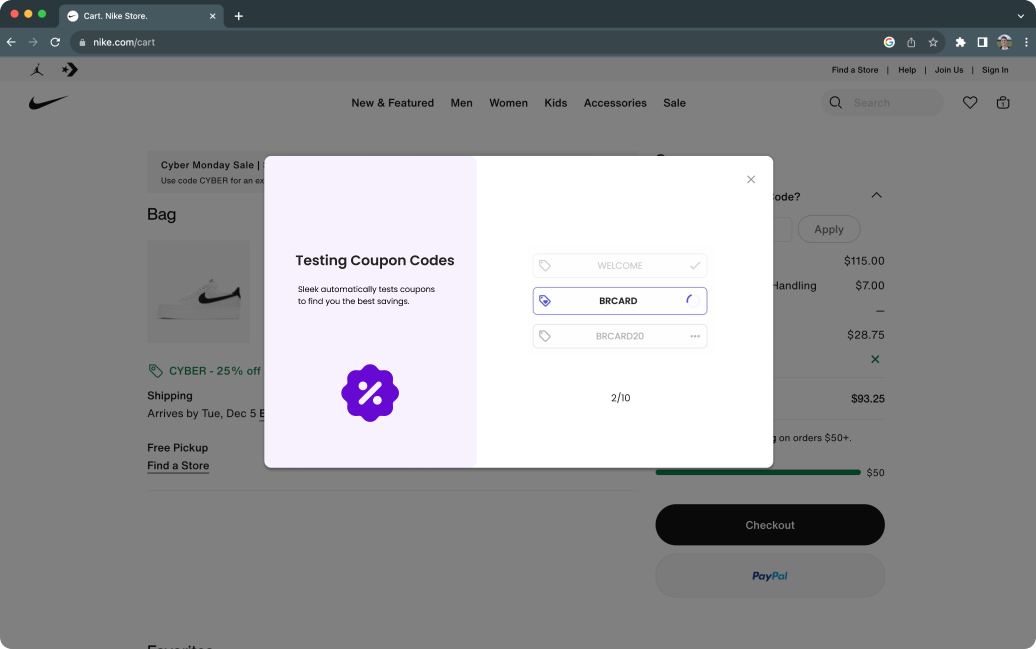
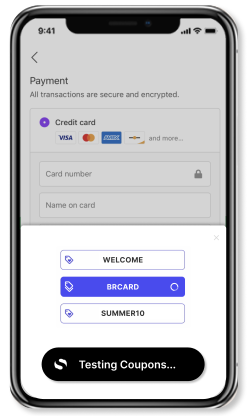
Once a user is on a page where a coupon can be applied, Sleek will automatically
apply coupons, testing all available coupons to find the best one for the user's
basket.
## Coupon auto-apply
Once a user is on a page where a coupon can be applied, Sleek will automatically
apply coupons, testing all available coupons to find the best one for the user's
basket.
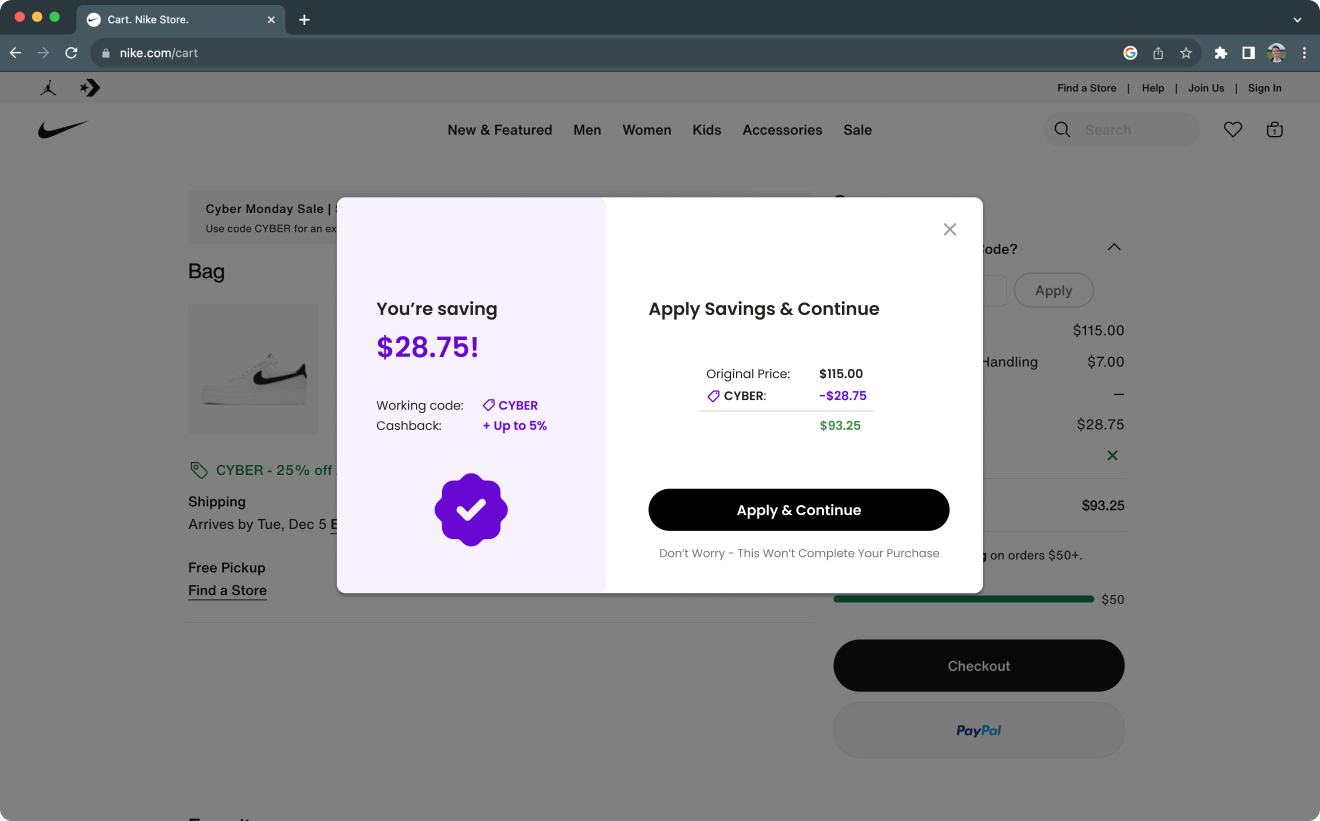
 ## Savings detection
Sleek will detect the savings that the user has received from the coupon and
surfaces custom white-label UI to show the savings to the user.
## Savings detection
Sleek will detect the savings that the user has received from the coupon and
surfaces custom white-label UI to show the savings to the user.
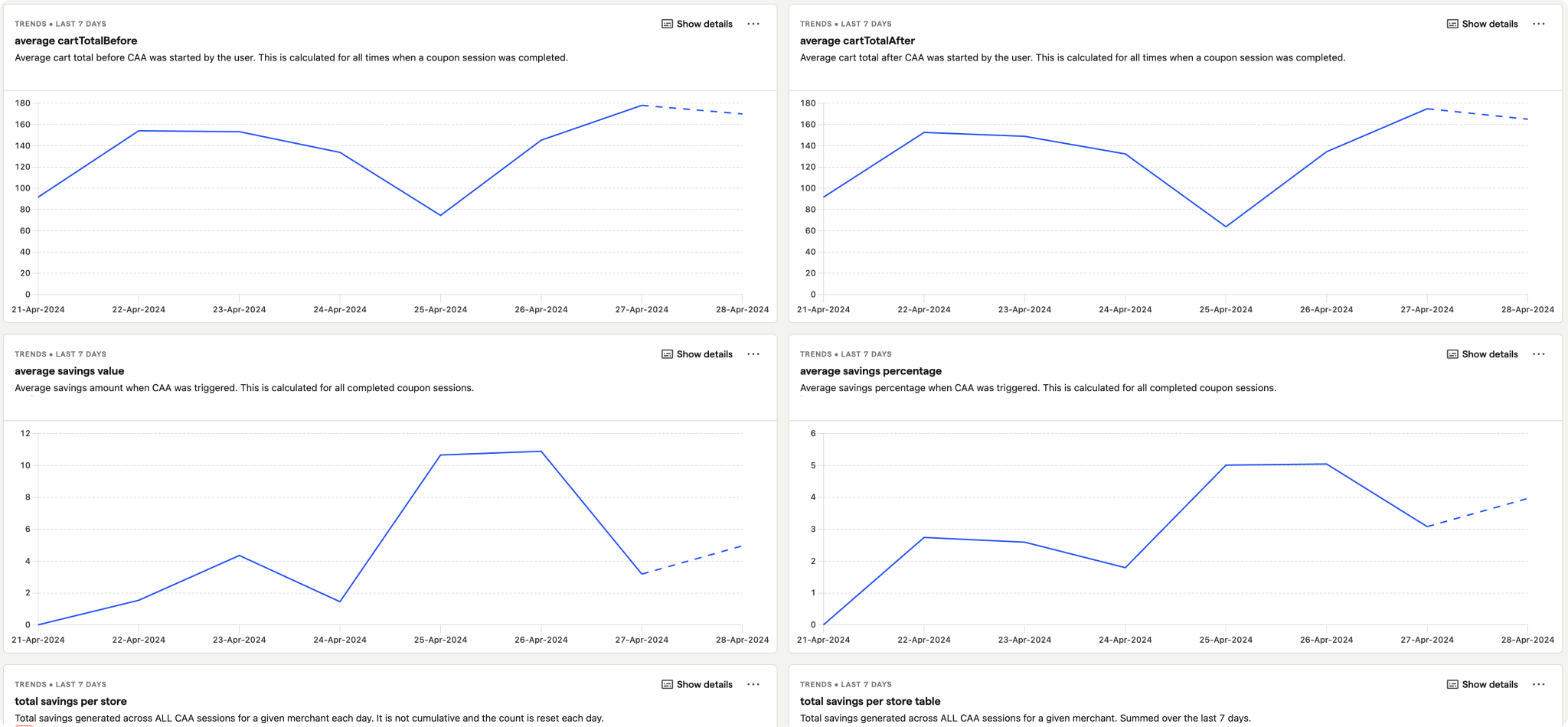
 ## Data and dashboards
Sleek works with your existing dashboarding tools to provide insights into
coupon performance and usage of coupon auto-apply.
## Data and dashboards
Sleek works with your existing dashboarding tools to provide insights into
coupon performance and usage of coupon auto-apply.
**What to read next**
To learn about how the coupon auto-apply feature set can be integrated into
specific properties, check out the following documentation:
Learn more about custom webpages.
Learn more about custom browser extensions.